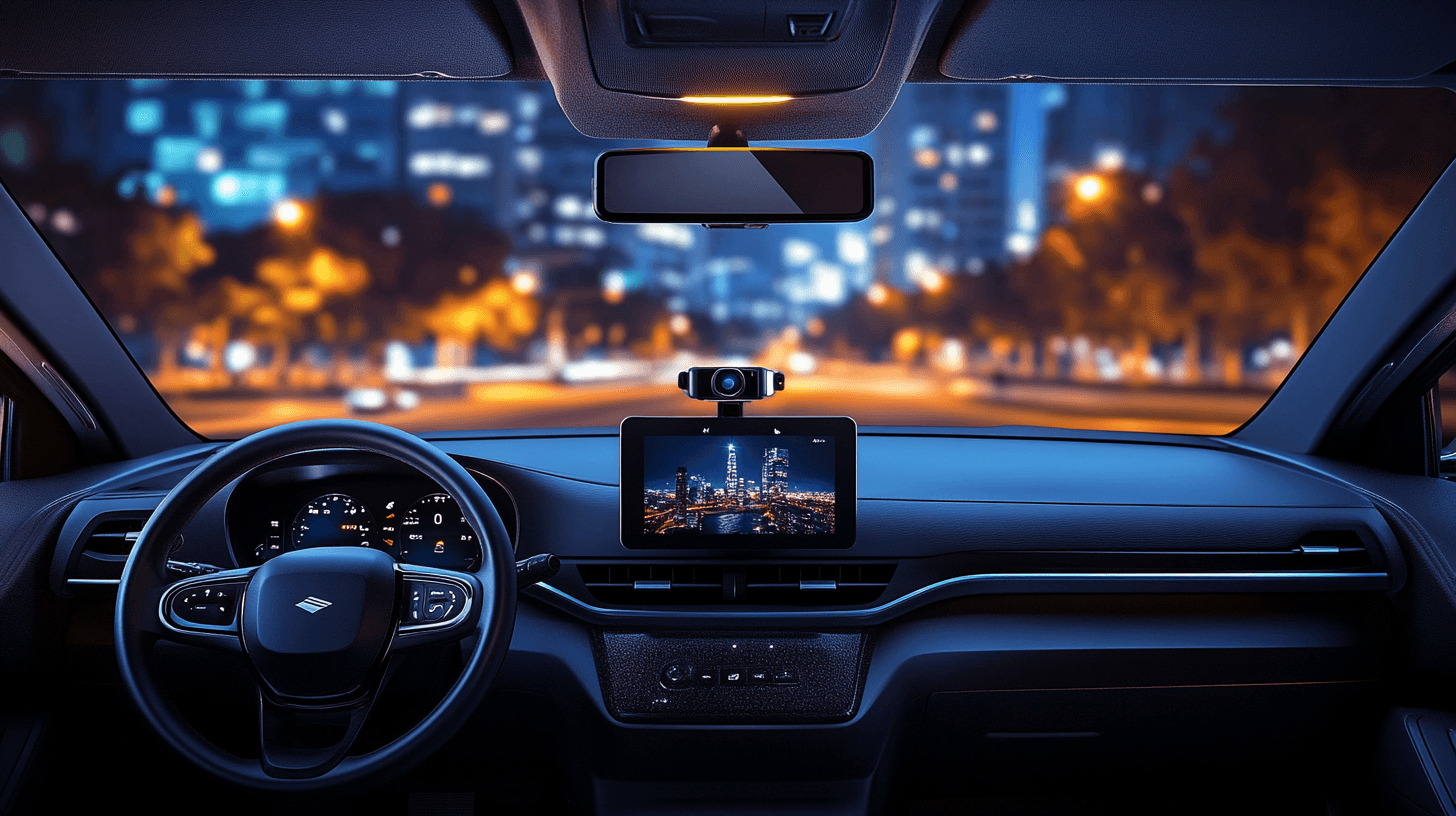
A dashcam does one thing exceptionally well: it records what actually happened. In a world of insurance disputes, hit-and-run incidents, and parking lot mysteries, that footage can save you thousands of dollars and countless headaches. Here's what to look for in 2026 and which cameras are worth your money.
Why You Need a Dashcam
Insurance companies rely on statements and estimates. Dashcam footage replaces "he said, she said" with objective evidence. Beyond accident documentation, modern dashcams offer parking surveillance, speed camera alerts, and even driver fatigue monitoring.
- ✓Accident evidence — Dashcam footage is admissible in court and accepted by every major insurance company. It can prove you weren't at fault and speed up claims by weeks.
- ✓Hit-and-run protection — Parking mode records motion or impact events while your car is parked. Many cameras capture license plates of vehicles that hit your car and drive away.
- ✓Insurance discounts — Some insurers offer 5-15% discounts for dashcam-equipped vehicles. The camera can pay for itself in premium savings within a year.
- ✓Theft deterrent — A visible dashcam with a recording indicator light discourages break-ins and vandalism. Some models send real-time alerts to your phone.
Key Features to Look For
- •Resolution: 4K minimum — 1080p is outdated. You need 4K (2160p) to reliably read license plates at distance, especially at highway speeds or in low light. Some 2026 models offer 4K HDR for even better dynamic range.
- •Night vision — Look for Sony STARVIS 2 sensors or equivalent. These pull usable footage in near-darkness, capturing details that older sensors miss entirely.
- •Parking mode — The camera should record when the car is off. Look for "buffered parking mode" that saves footage from before and after an impact event, not just after.
- •GPS logging — Records your speed and location on every frame. This is critical evidence for insurance claims and provides context during disputes.
- •Wi-Fi/App connectivity — Allows you to review and download footage on your phone without removing the SD card. Essential for quickly sharing evidence with insurance or police.
- •Dual-channel (front + rear) — Rear-end collisions account for nearly 30% of all crashes. A rear camera captures what a front-only setup misses entirely.
Best Dashcams by Category
Best Overall: Viofo A229 Pro Duo
The A229 Pro delivers flagship-level 4K quality with excellent night performance at a mid-range price. The STARVIS 2 sensor captures clear footage in conditions where competitors produce unusable noise. Dual-channel recording means you're covered front and rear without compromise.
Best Budget: Viofo A119 Mini 2
At roughly $100, this is the best value in the dashcam market. The compact design is nearly invisible behind your rearview mirror, and the STARVIS 2 sensor punches well above its price class in low-light performance. Front-only, but the footage quality justifies the savings.
Best Premium: BlackVue DR970X-2CH Plus
The DR970X is the security-focused option. Built-in LTE connectivity lets you livestream your car's cameras from anywhere, receive push notifications for impact events, and download footage remotely. The cloud integration is the real differentiator — if someone hits your parked car, you know immediately.
Best for Rideshare/Fleet: Vantrue N4 Pro
Three channels — front, interior, and rear — make this ideal for rideshare drivers, delivery drivers, and fleet vehicles. The infrared interior camera captures clear cabin footage even in complete darkness. If a passenger dispute arises, you have the evidence.
Quick Comparison
| Dashcam | Resolution | Night Vision | Cloud | Price |
|---|---|---|---|---|
| Viofo A229 Pro Duo | 4K + 2K | Excellent | No | ~$250 |
| Viofo A119 Mini 2 | 2K | Excellent | No | ~$100 |
| BlackVue DR970X-2CH | 4K + 1080p | Very Good | Yes | ~$450 |
| Vantrue N4 Pro | 4K + 1080p + 1080p | Excellent (IR) | No | ~$350 |
Installation Tips
- •Mount behind the rearview mirror — This keeps the camera out of your line of sight and makes it less visible from outside. Most dashcams come with adhesive mounts designed for this position.
- •Hardwire for parking mode — A hardwire kit connects the dashcam directly to your car's fuse box, enabling 24/7 recording without draining your battery. Most kits include a voltage cutoff to prevent a dead battery.
- •Use a high-endurance SD card — Regular SD cards fail within months under constant dashcam use. Samsung PRO Endurance or SanDisk High Endurance cards are designed for continuous recording.
- •Route cables cleanly — Tuck the power cable into the headliner, down the A-pillar, and under the dashboard trim. A clean install looks professional and prevents the cable from obstructing your view.
Common Mistakes to Avoid
- ✕Buying based on resolution alone — A 4K camera with a poor sensor produces worse footage than a 2K camera with a STARVIS 2 sensor. Sensor quality matters more than pixel count.
- ✕Skipping parking mode — Most car damage happens while parked. Without parking mode, your dashcam is a paperweight during the hours your car is most vulnerable.
- ✕Never formatting the SD card — Dashcam SD cards should be formatted every 30-60 days to prevent file corruption. Set a calendar reminder.
- ✕Choosing suction cup mounts — Suction cups fall off in heat and cold. Adhesive mounts are more reliable and keep the camera in position permanently.
Final Verdict
For most drivers, the Viofo A229 Pro Duo offers the best combination of video quality, night performance, and value. If budget is tight, the A119 Mini 2 delivers impressive quality for under $100. For those who want cloud connectivity and remote monitoring, the BlackVue DR970X justifies its premium.
Whatever you choose, any quality dashcam is better than none. The first time it captures an incident that saves you from an at-fault claim, it pays for itself many times over.